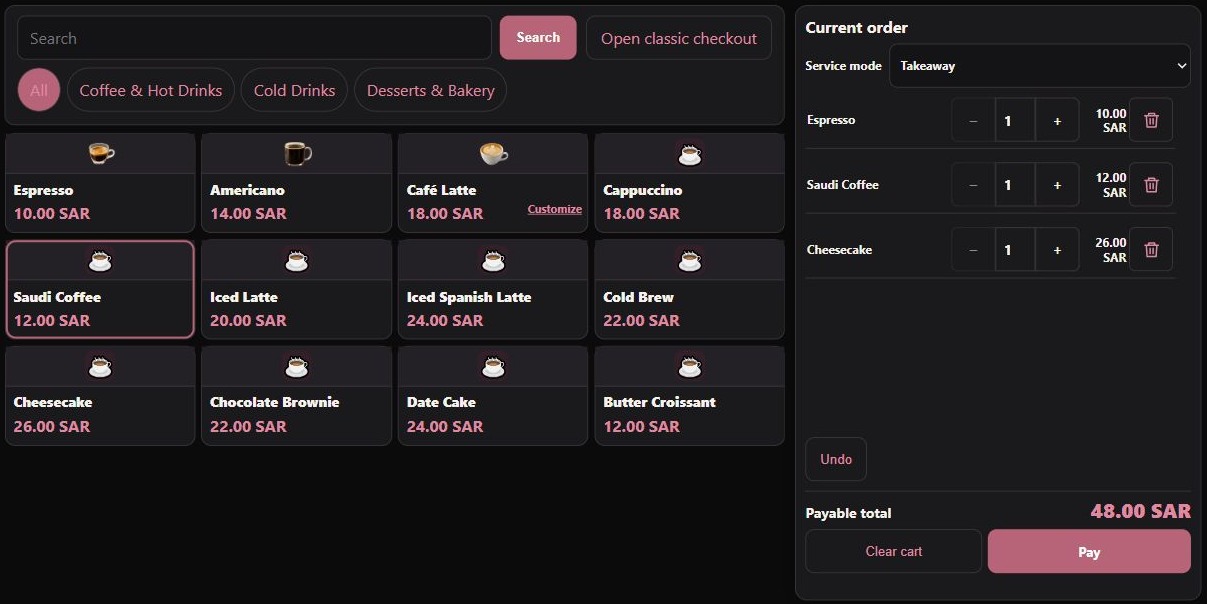
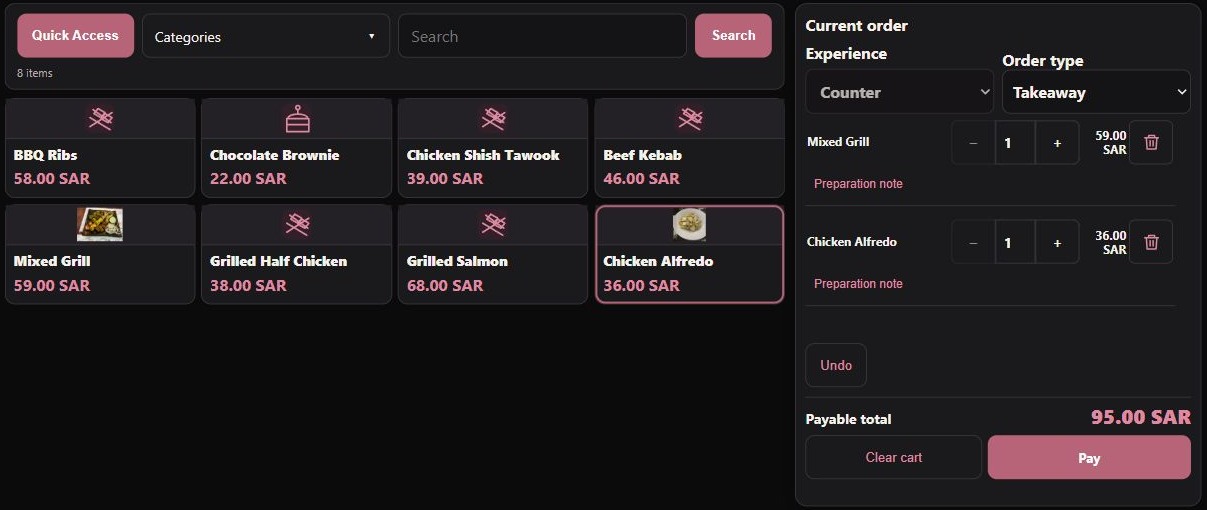
01 / A closer look at the work
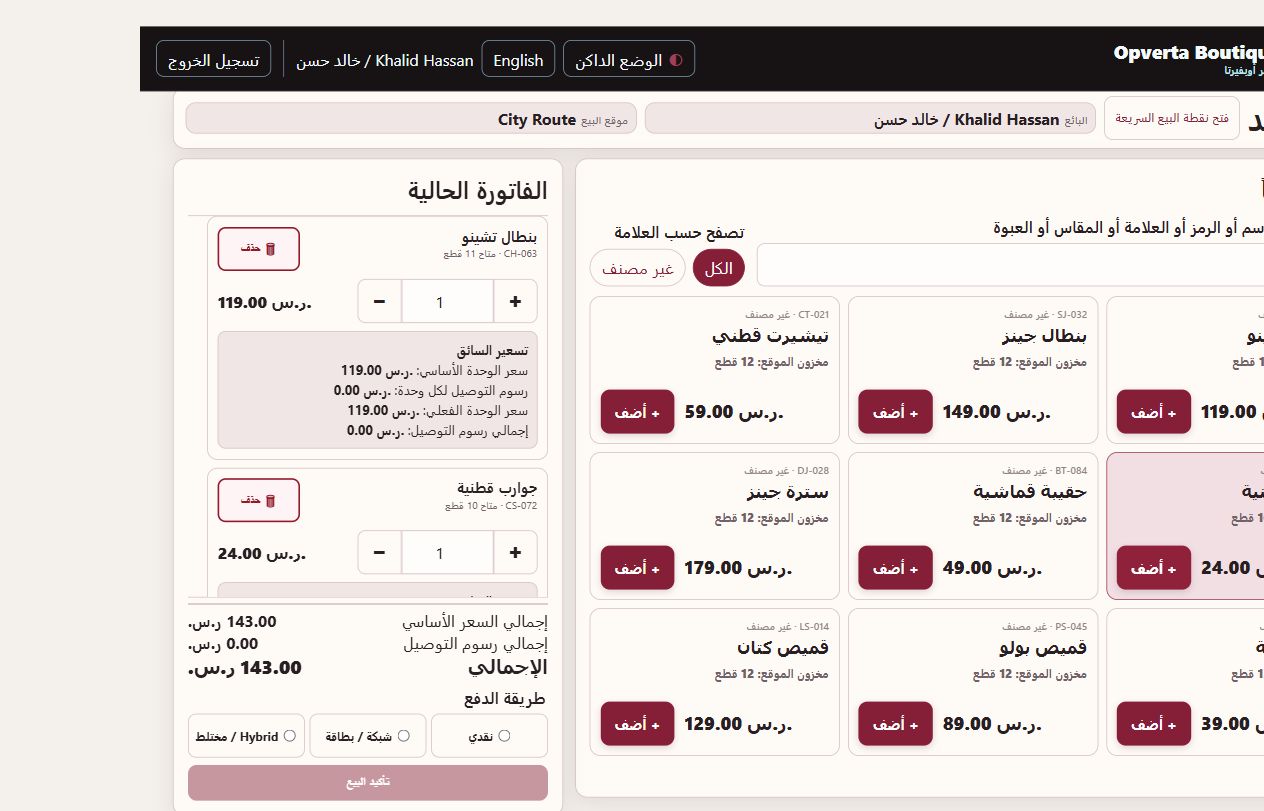
Sell from your assigned route.
Use shared products, pricing and stock for field selling.
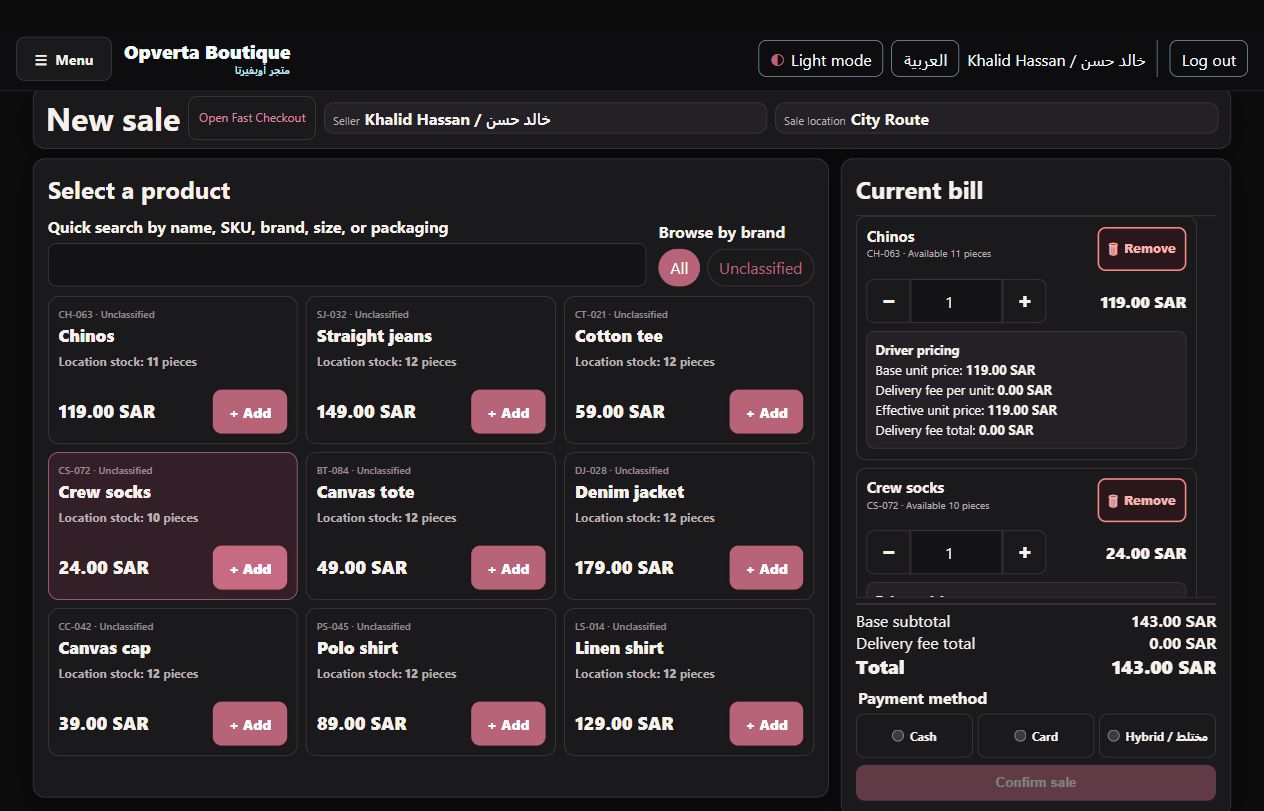
- The right locationShow the assigned route and sell within the current workplace and permitted stock context.
- Loaded availabilityAvailability follows the driver location rather than all warehouse stock.
02 / A closer look at the work
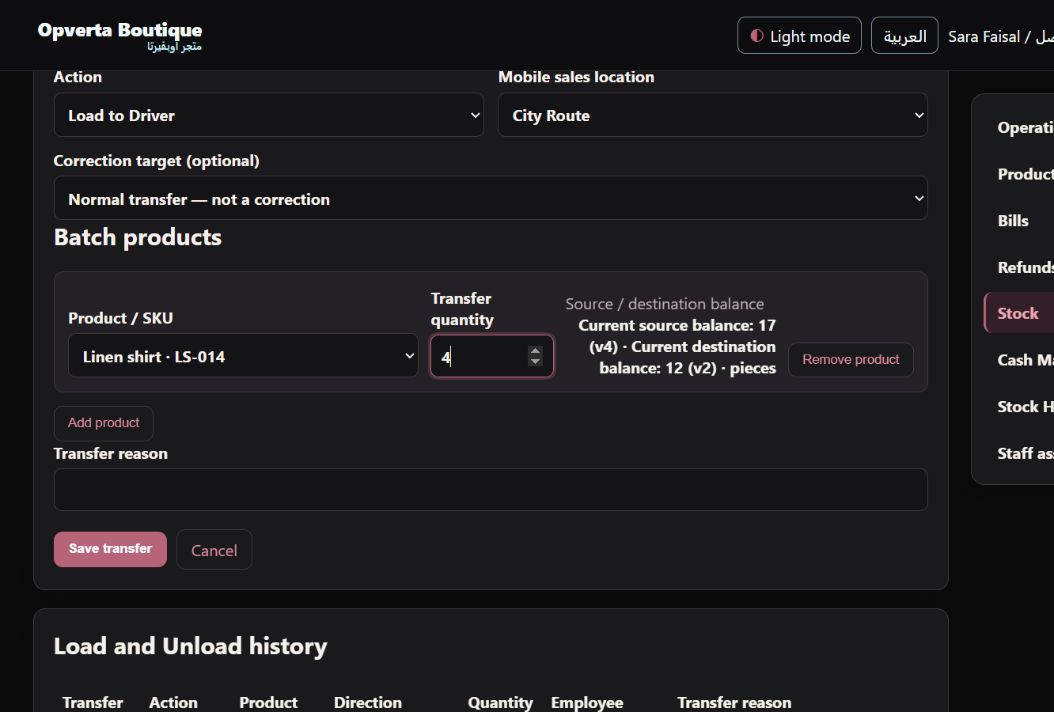
Load, move and return stock.
Prepare route stock through authorized load and unload workflows.
- Route movementsAuthorized loading, unloading, transfers and adjustments use the existing stock workflows.
- Movement historyReview location quantities and movement evidence instead of reconciling a separate stock list.
03 / A closer look at the work
Clear products and route prices.
Identify products and quantities through the maintained catalogue.
- Product identificationSearch names and SKUs and review the item’s location stock before adding quantities.
- Configured route feesKeep configured per-unit delivery fees with the sale and show the relevant fee total on the bill.
GOOD TO KNOW
Route uses the shared Sales foundation. Card recording is not bank approval, and operator changes do not transfer Cash ownership.
THE ORIGINAL GUIDE
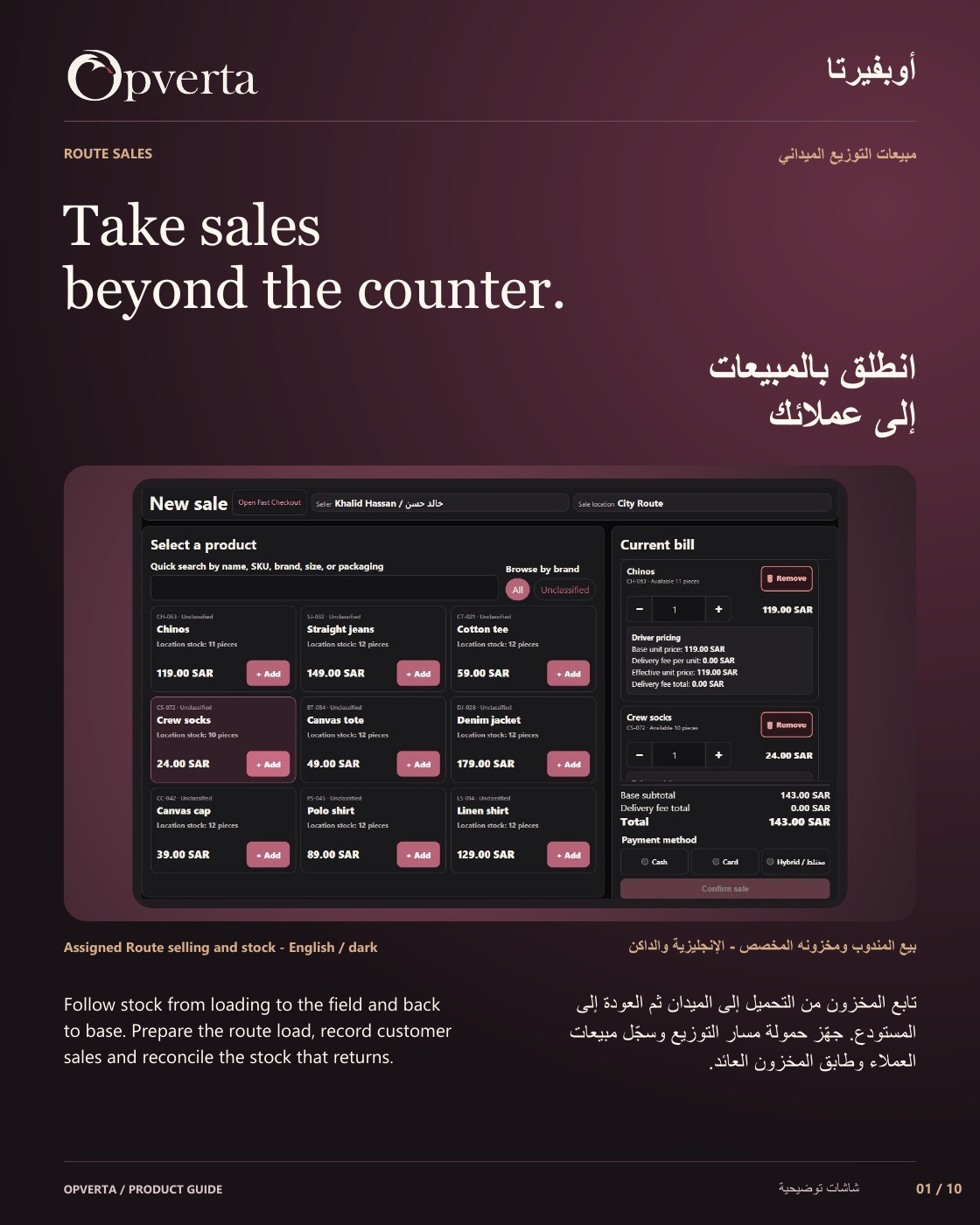
Route Sales
See the full bilingual guide, page by page, or keep the original PDF.
CONTINUE EXPLORING
ProductsContinue exploring