
SALESFrom the first order
From the first order
to the last table.
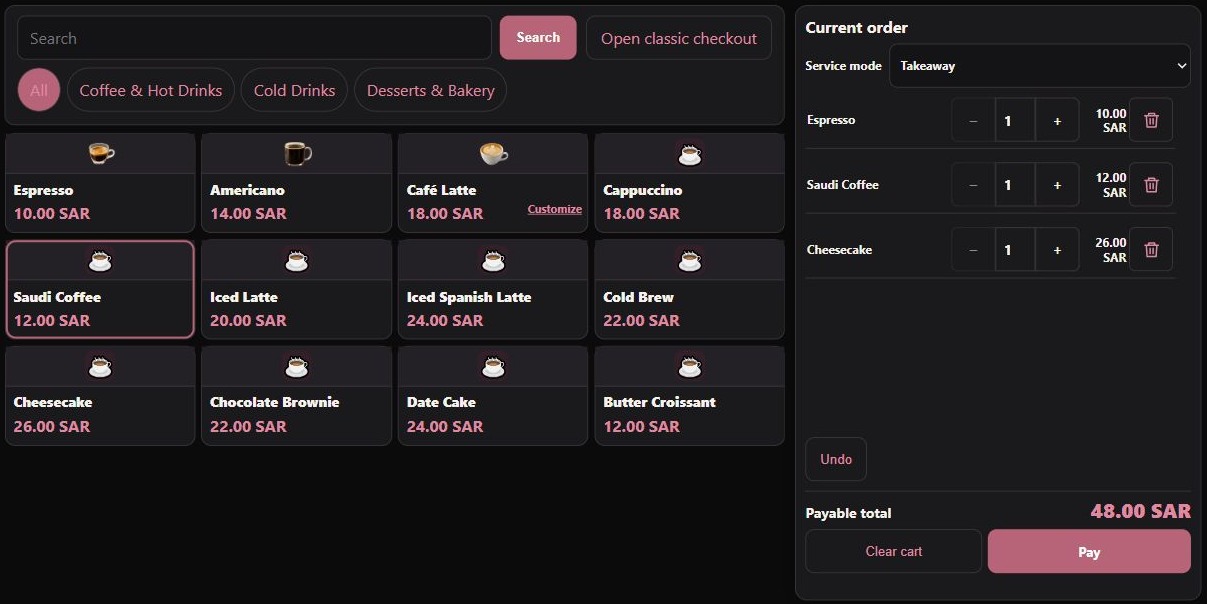
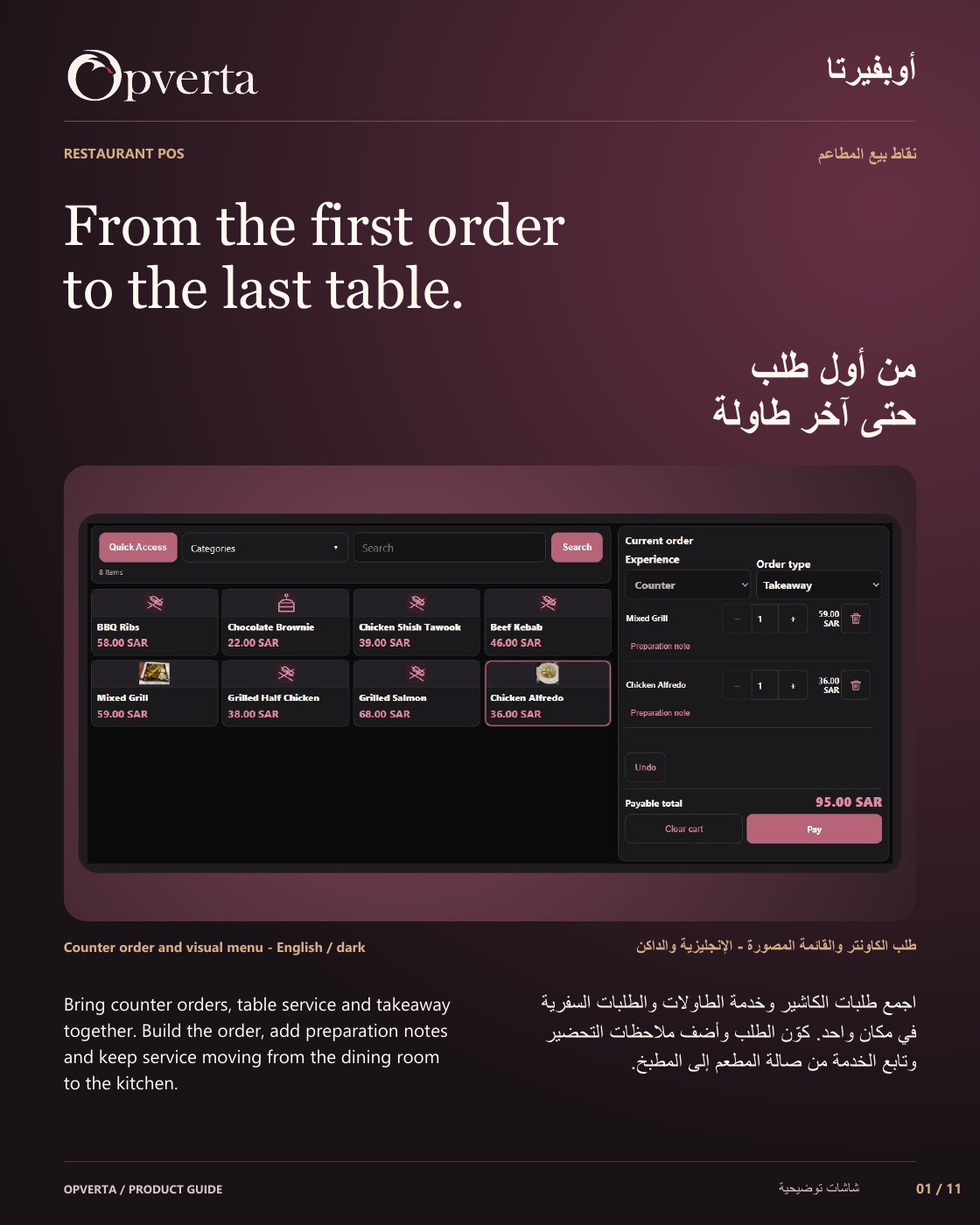
Bring counter orders, table service and takeaway together. Build the order, add preparation notes and keep service moving from the dining room to the kitchen.
Representative product screen
01 / A closer look at the work
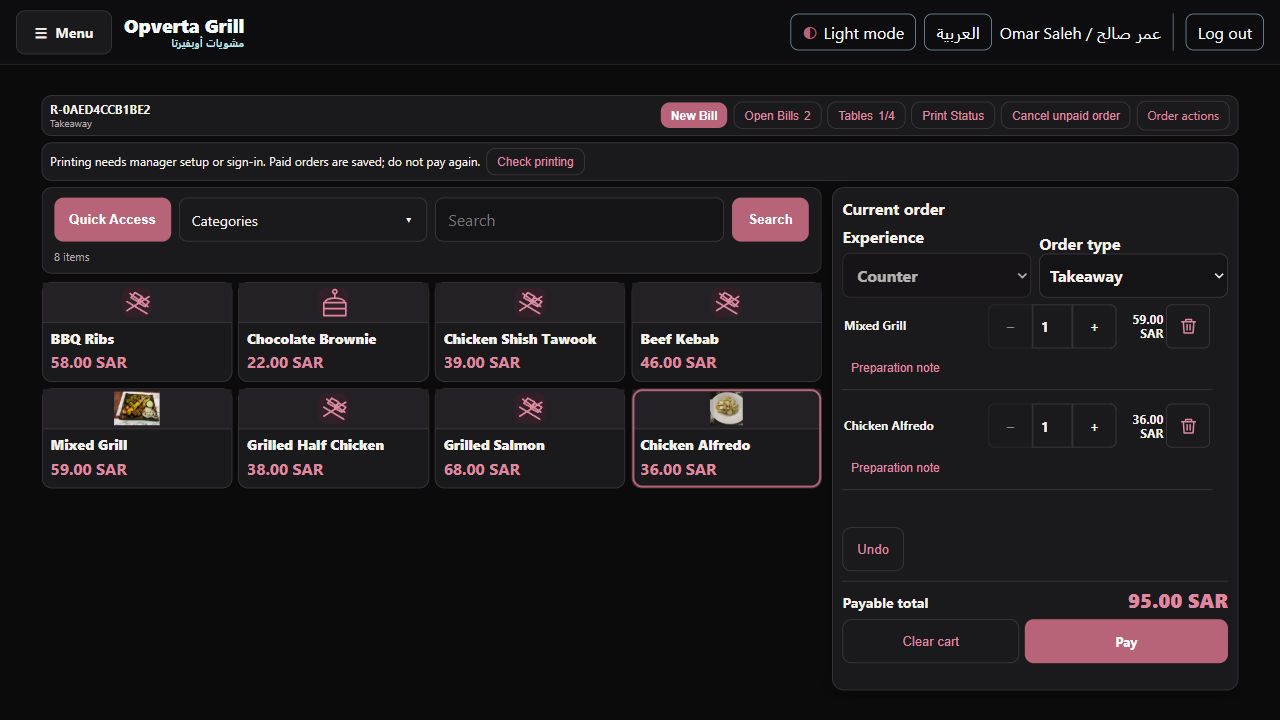
Counter and table service.
Take orders at the counter or serve the selected table.
- Dine-in and takeawayChoose the service type and use a table where your configured workflow requires one.
- A durable orderKeep the order’s identity and lines through review, hold, resume and confirmed payment.
02 / A closer look at the work
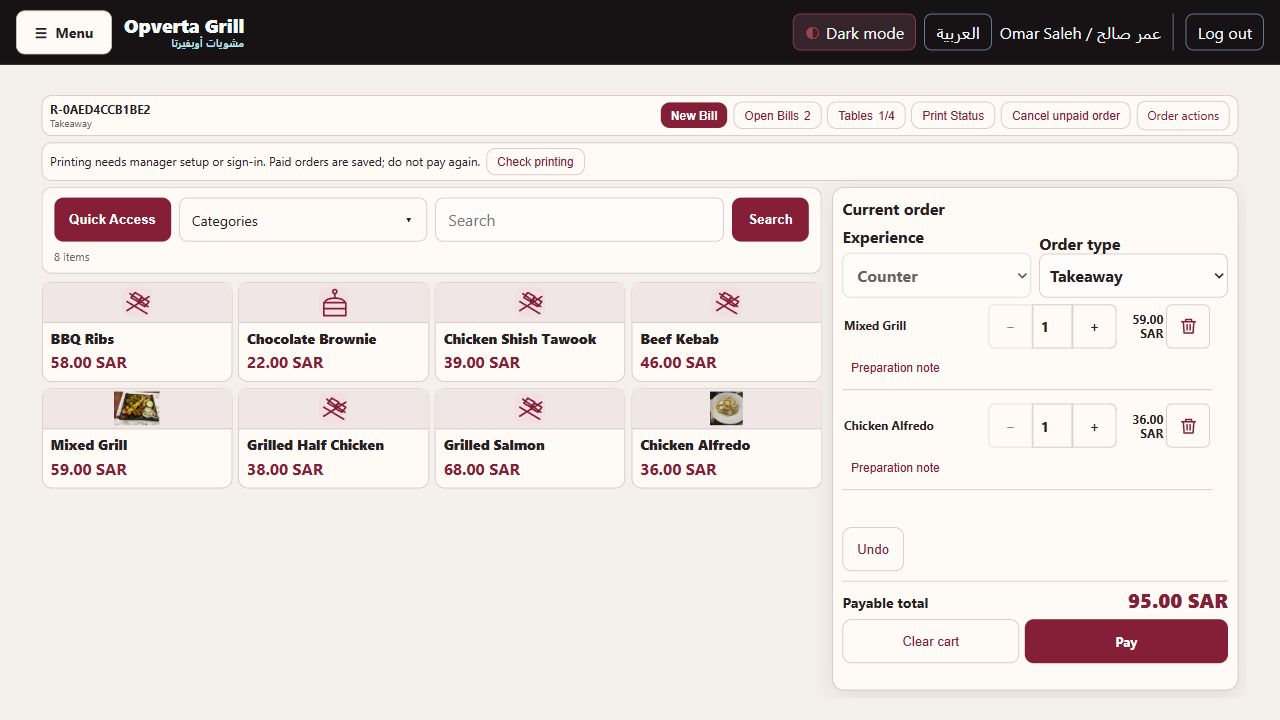
A menu people recognize.
Show grills, pasta, salads and desserts with photos or native icons.
- Photos and food iconsUpload product images. Choose dish, bowl, grill, salad, drink or sweet category icons.
- Organize the menuUse categories, search and Quick Access favourites with Arabic and English product names.
03 / A closer look at the work
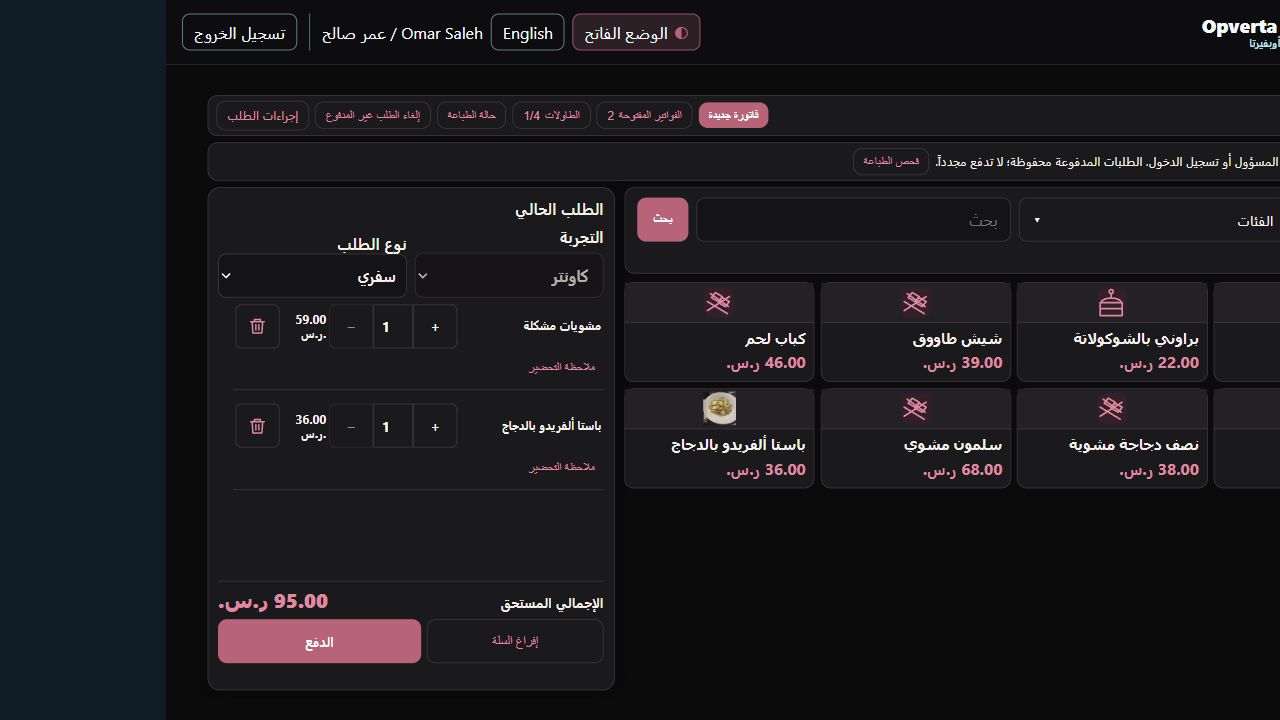
Make the order precise.
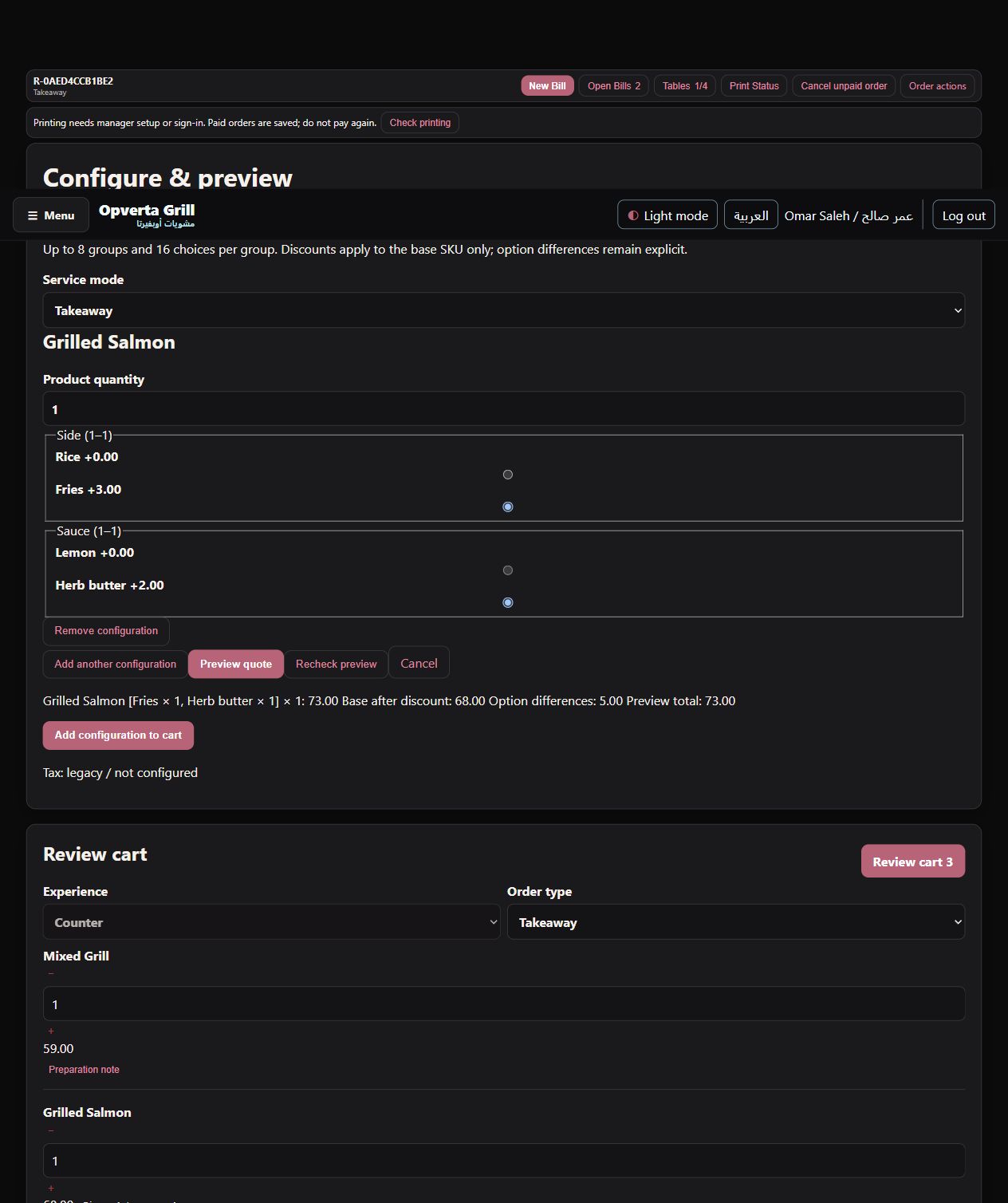
Review quantities, configured choices and prices before payment.
- Configured item choicesShow the size and option choices configured for an item, including applicable price additions.
- Preparation notes and authorityAttach notes to the exact quantity that needs them. Order cancellation follows staff authority.
GOOD TO KNOW
Preparation printing depends on tested equipment and setup. Card/mada is tender recording, not terminal approval.
THE ORIGINAL GUIDE
Restaurant POS
See the full bilingual guide, page by page, or keep the original PDF.
CONTINUE EXPLORING
ProductsContinue exploring
Illustrative menu photography credits: Mixed Grill Platter — Kalesh (CC BY-SA 4.0) · Chicken Alfredo Pasta — Audrey Freemy (CC0 1.0)