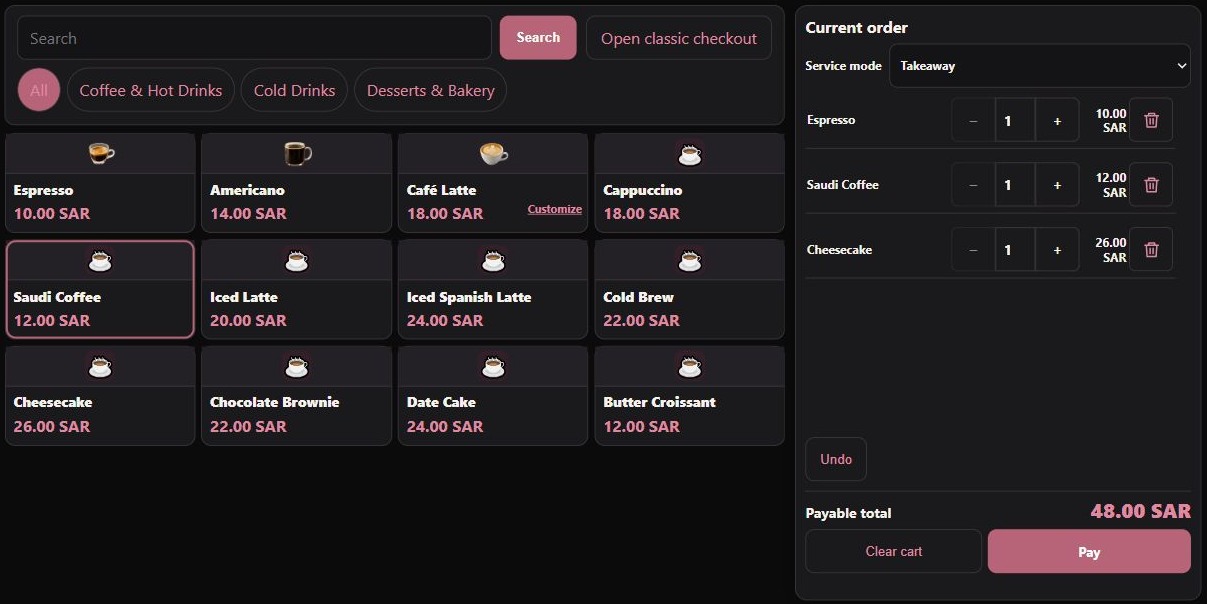
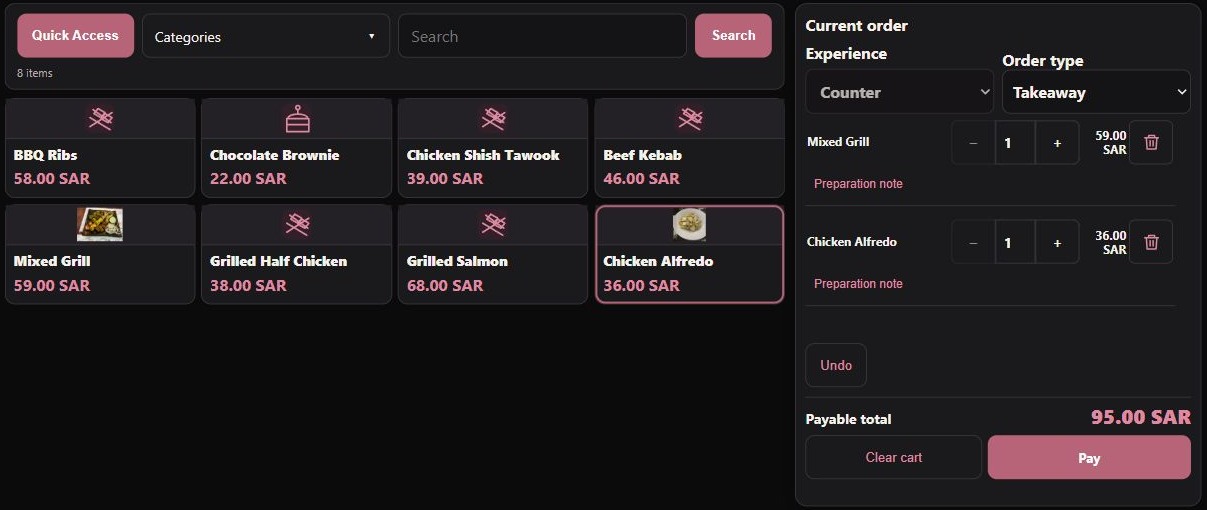
SALESBrowse. Scan. Sell.
Browse. Scan. Sell.
Ready for what’s next.
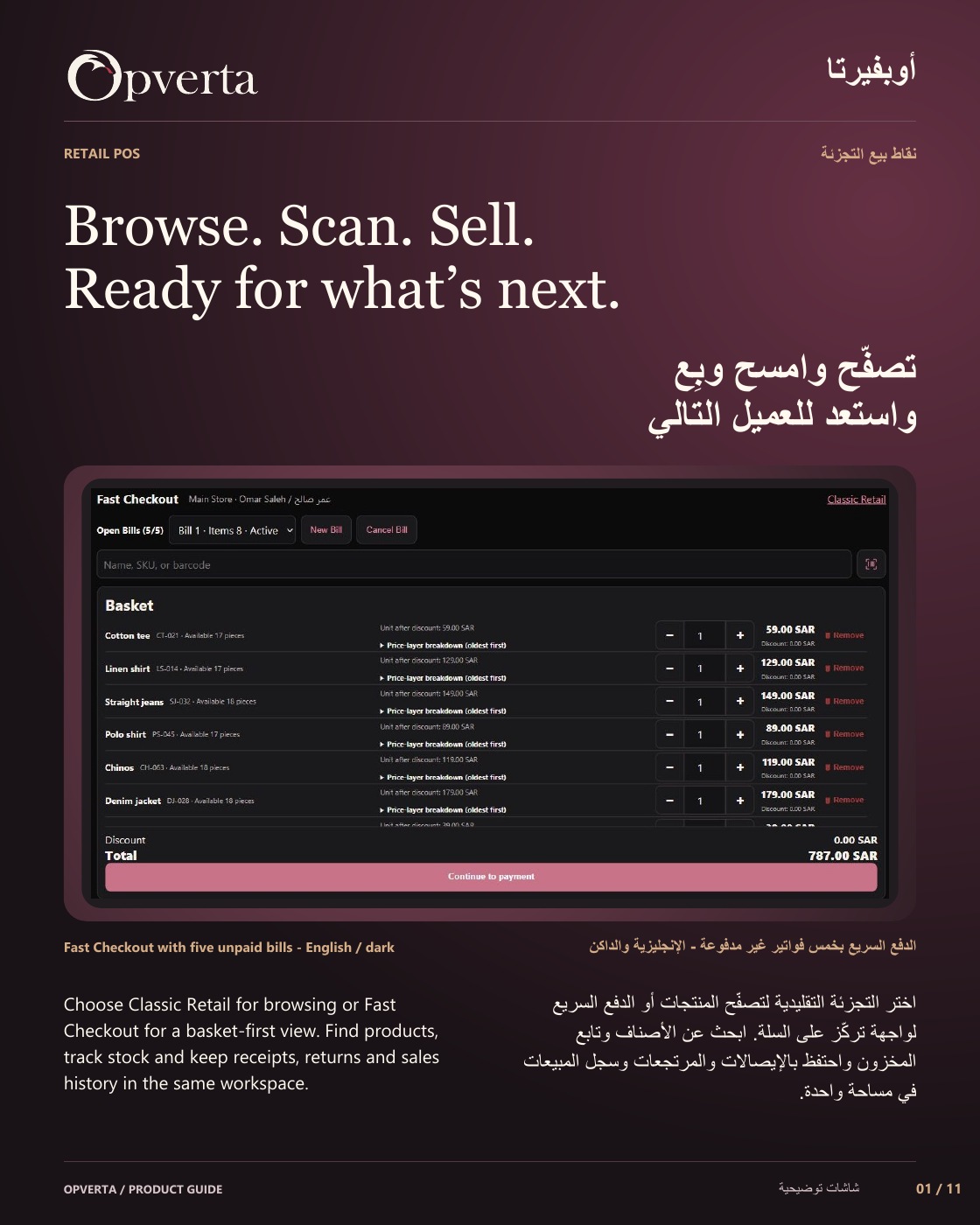
Choose Classic Retail for browsing or Fast Checkout for a basket-first view. Find products, track stock and keep receipts, returns and sales history in the same workspace.
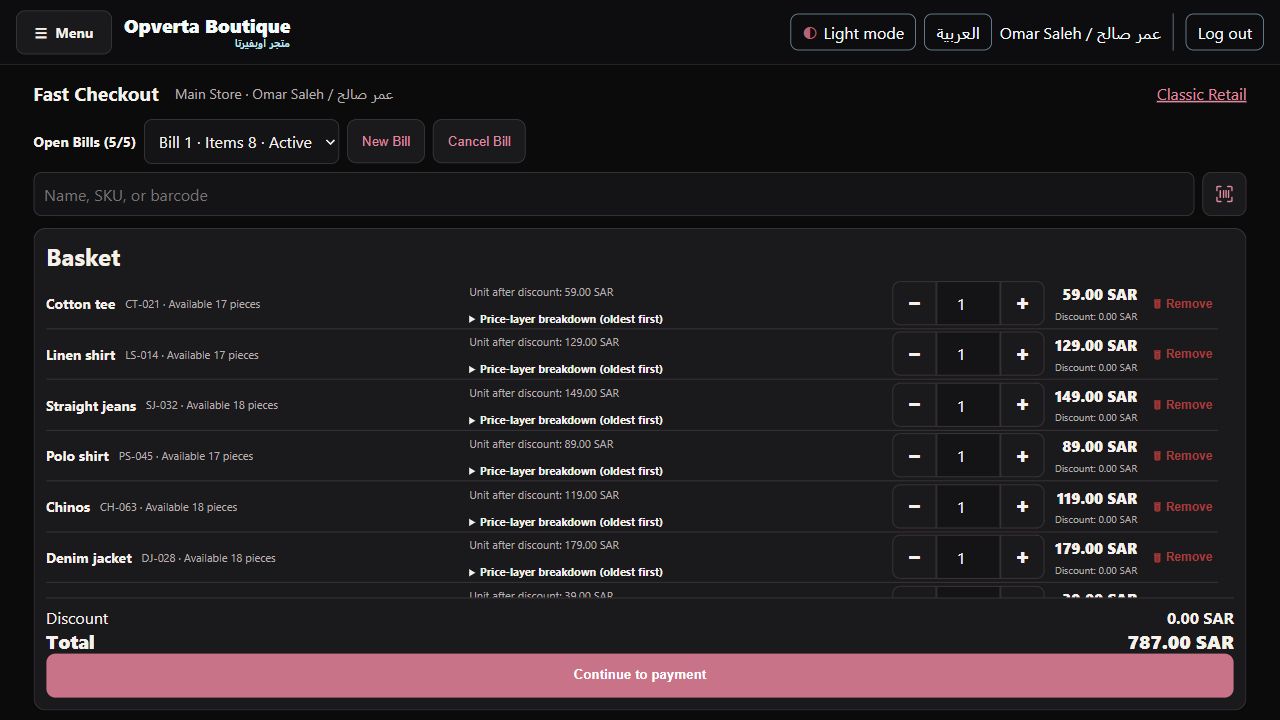
Representative product screen
01 / A closer look at the work
Browse, search or scan.
Serve clothing, convenience and specialist retail from one foundation.
- One product fieldFind names and SKUs, or submit an exact saved barcode. Click to add from product cards.
- The same basketClicking and scanning the same item increase its quantity while keeping the same pricing rules.
02 / A closer look at the work
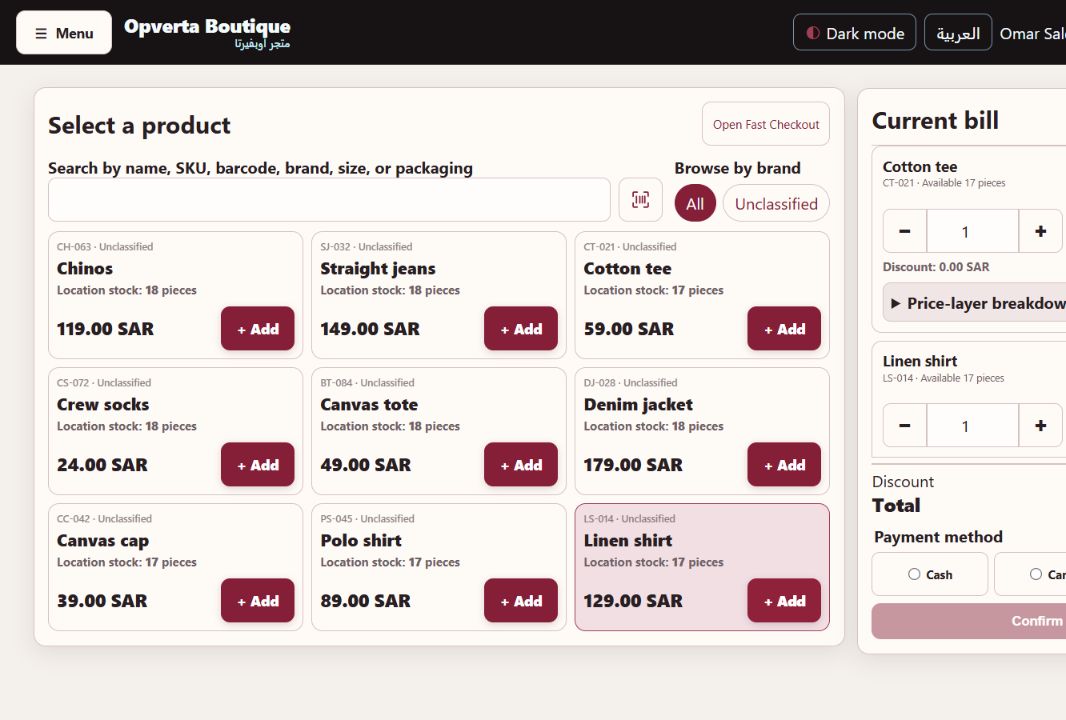
Fast Checkout. More basket.
Compact lines keep the basket, total and payment action close at hand.
- Five open billsPark up to five unpaid baskets on the current page and switch when a customer needs a moment.
- One Retail foundationReturn from receipts to the latest selected view. Resolve uncertain payments before proceeding.
03 / A closer look at the work
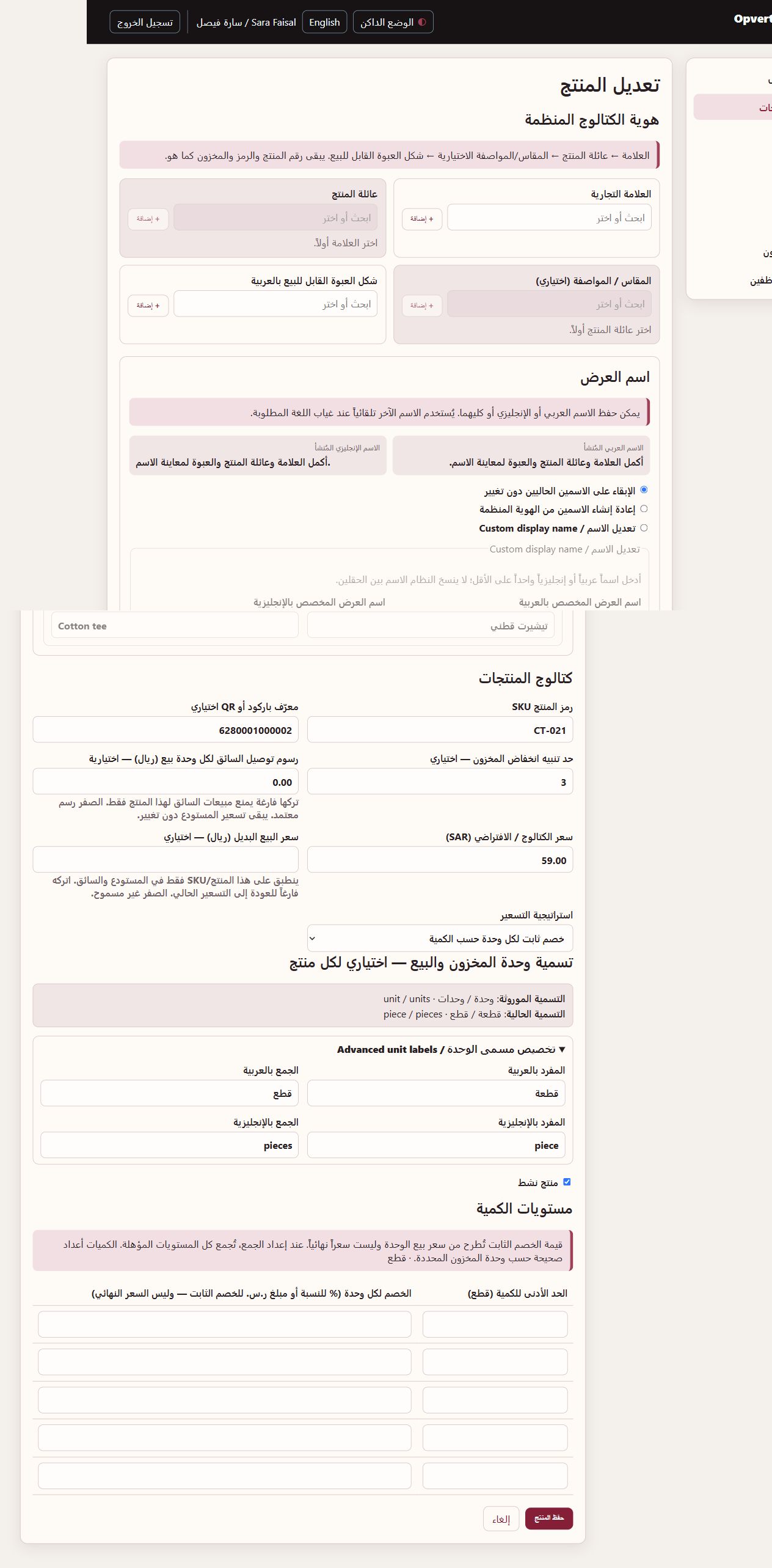
Products, prices and identity.
Give each product the information your team needs to sell it.
- A useful catalogueArabic/English names, SKU, saved barcode, brand, size and packaging help identify an item.
- Controlled pricingSet selling prices and stock policies; discounts and price changes follow staff permissions.
GOOD TO KNOW
Classic and Fast are views on the same Sales foundation. Manual card/mada recording is not bank or ECR integration. Goods-return approval and physical receipt do not themselves pay a refund or reverse a card transaction.
THE ORIGINAL GUIDE
Retail POS
See the full bilingual guide, page by page, or keep the original PDF.
CONTINUE EXPLORING
ProductsContinue exploring