
01 / A closer look at the work
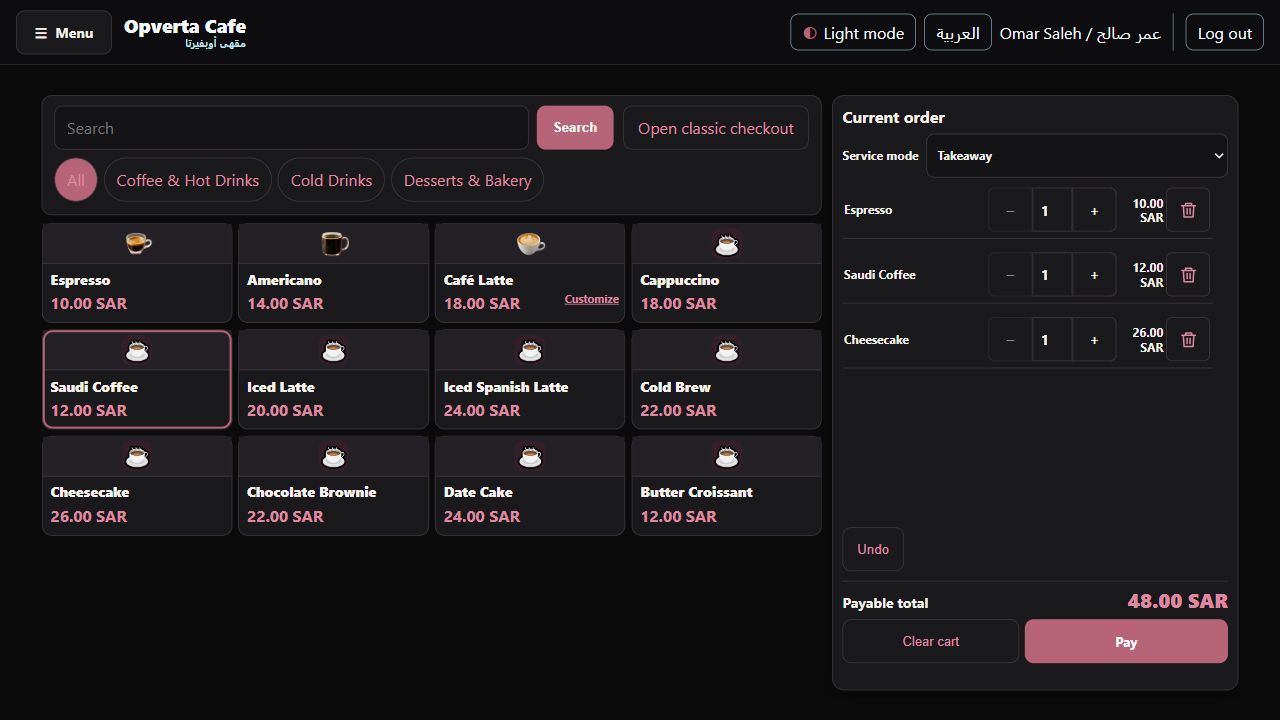
Your drinks. Clearly presented.
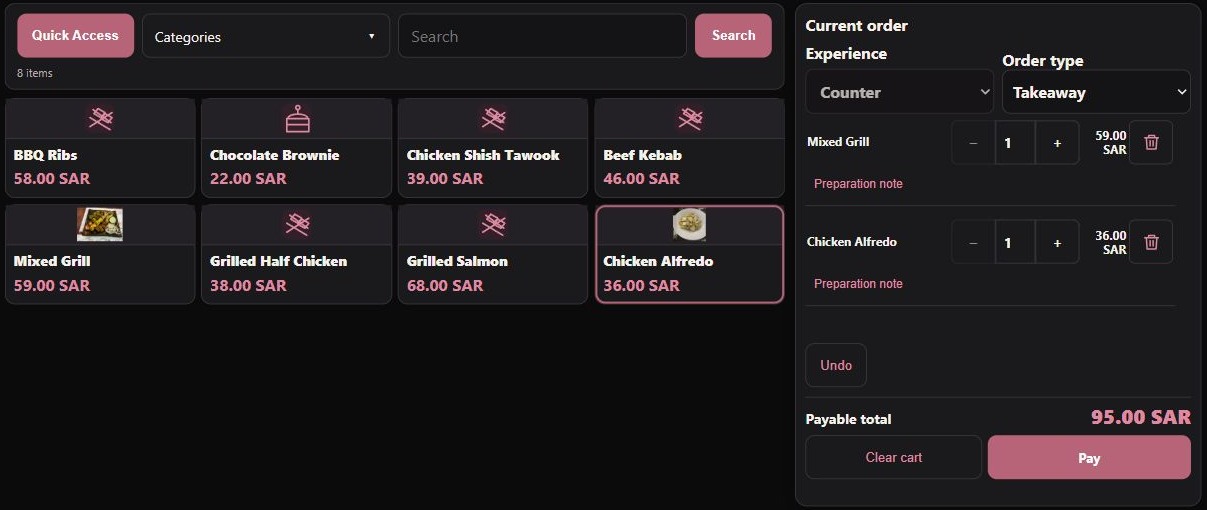
Show coffee, iced drinks and desserts in a familiar visual menu.
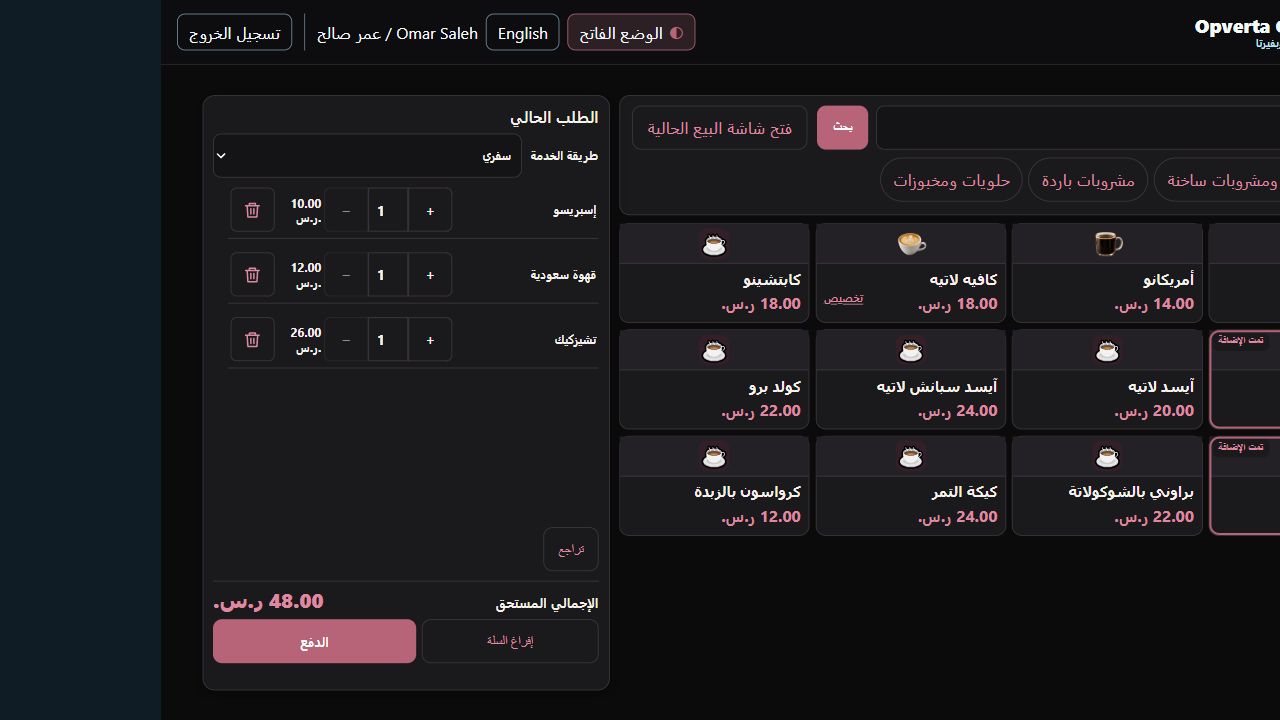
- Product photos or iconsUse uploaded item images, with the native coffee icon available where a photo is not configured.
- Find the right itemBrowse categories or search bilingual names, then add directly to the current order.
02 / A closer look at the work
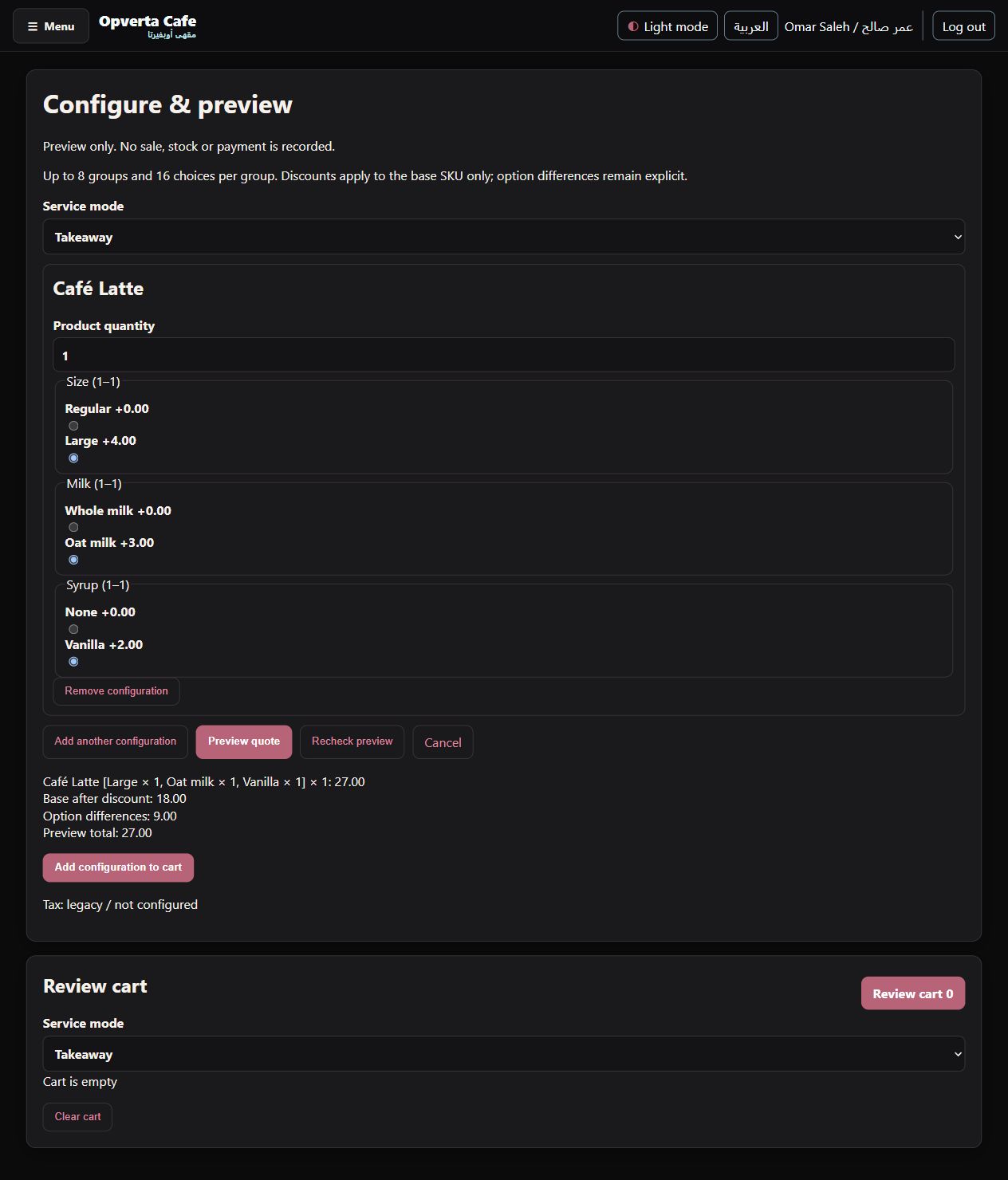
Let the customer choose.
Configure sizes and option groups for consistent drink orders.
- Sizes and option groupsOffer configured choices such as cup size, milk or syrup with the item’s selection rules.
- Price each choiceApplicable additions appear in the configured item price and the saved sale detail.
03 / A closer look at the work
Keep the queue moving.
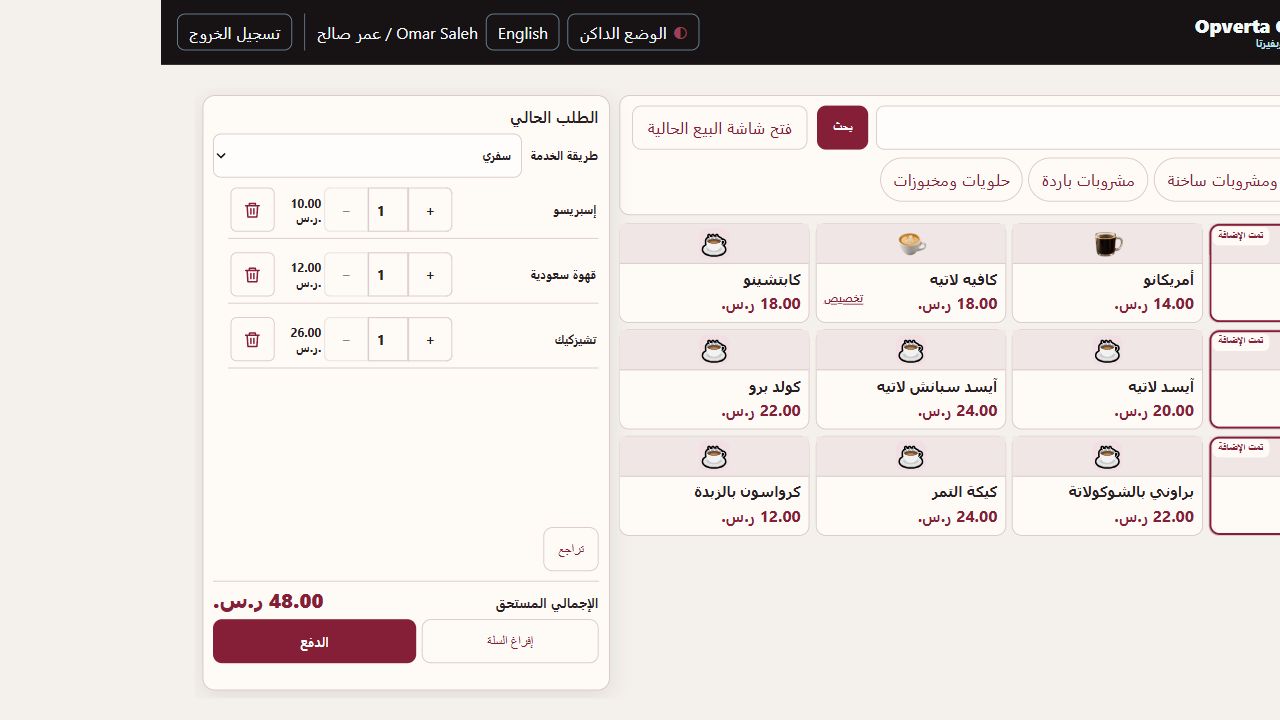
Review the basket with the total and payment action in view.
- Order reviewAdjust quantities and review the basket; configured choices are retained on their selected item.
- Service typeUse dine-in or takeaway where configured; the basket follows the supported checkout workflow.
GOOD TO KNOW
Choices and price additions depend on item setup. Card/mada recording is not bank approval.
THE ORIGINAL GUIDE
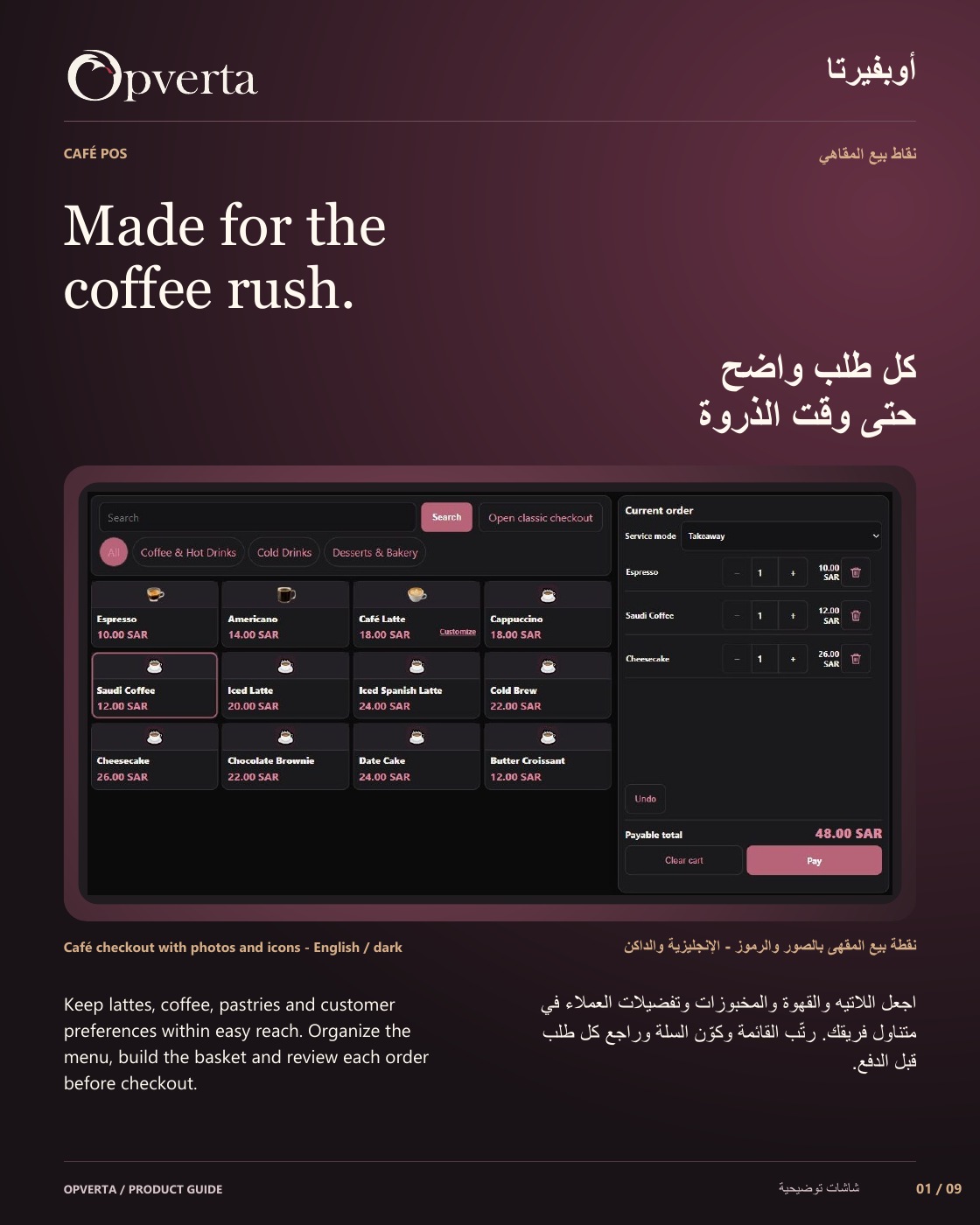
Café POS
See the full bilingual guide, page by page, or keep the original PDF.
CONTINUE EXPLORING
ProductsContinue exploring
Illustrative menu photography credits: Mixed Grill Platter — Kalesh (CC BY-SA 4.0) · Chicken Alfredo Pasta — Audrey Freemy (CC0 1.0)