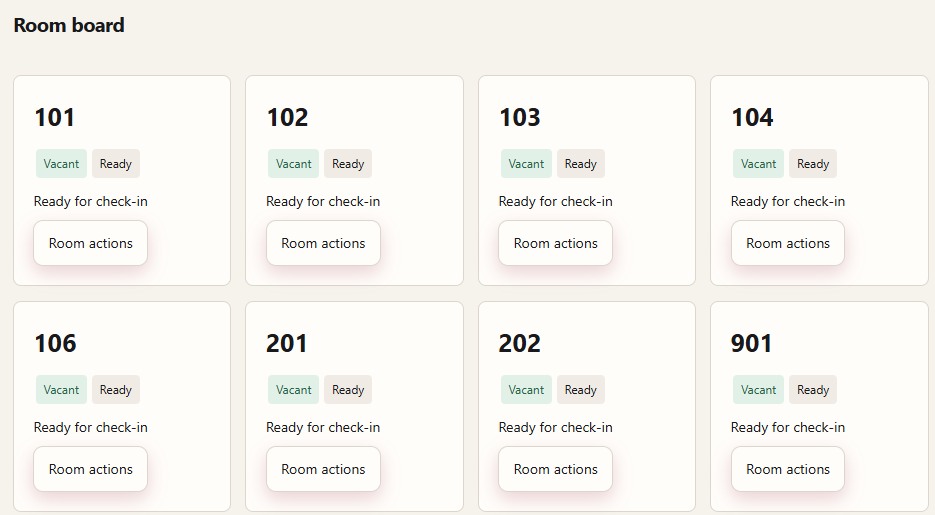
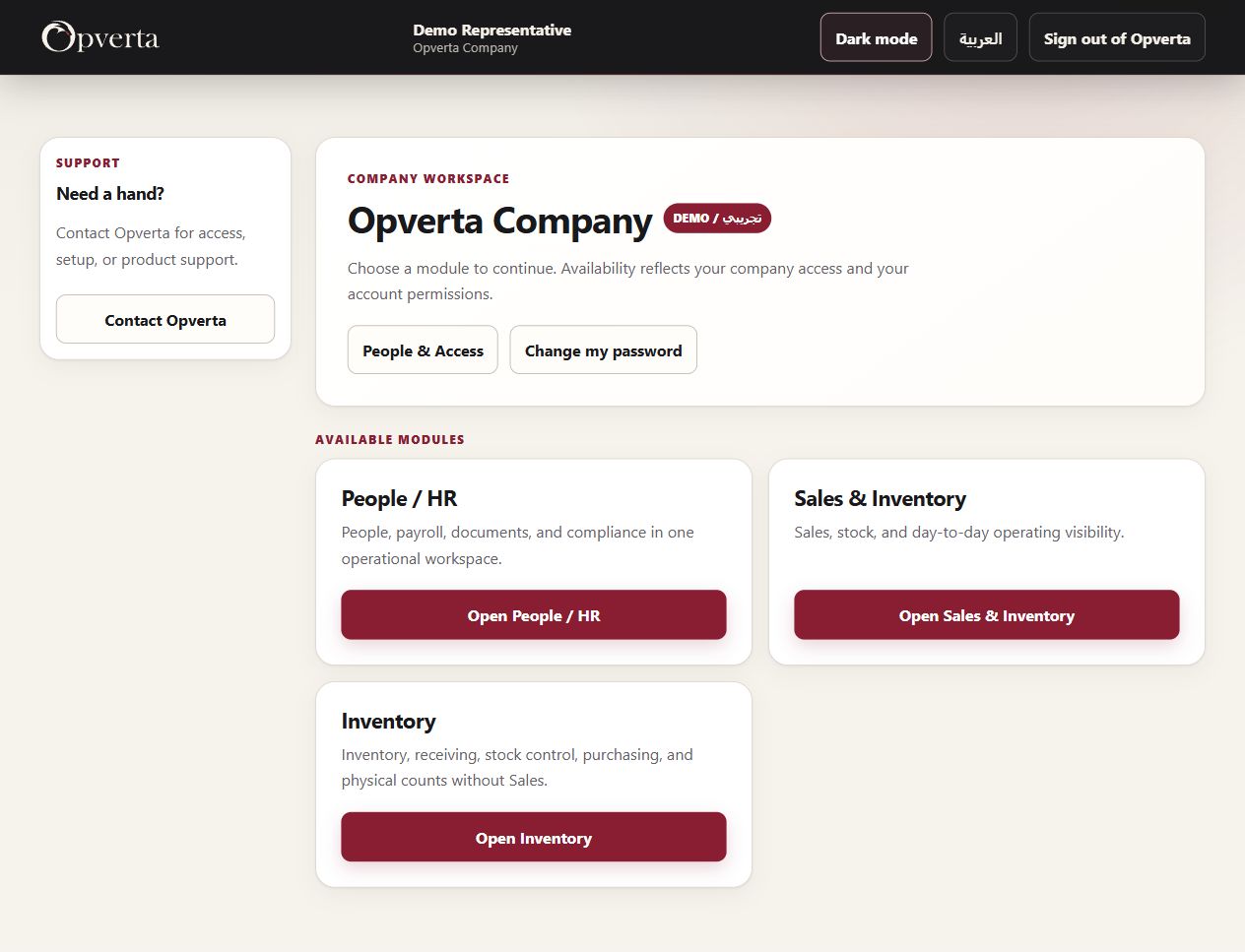
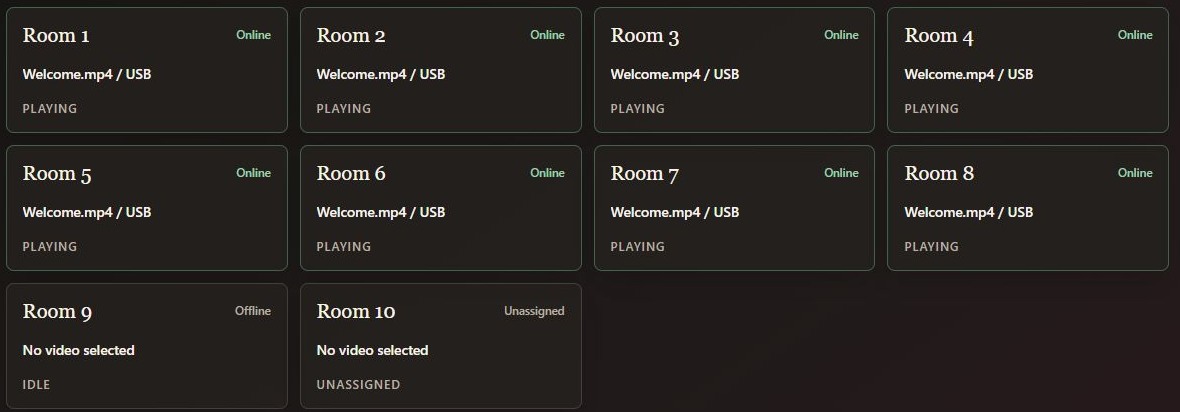
01 / A closer look at the work
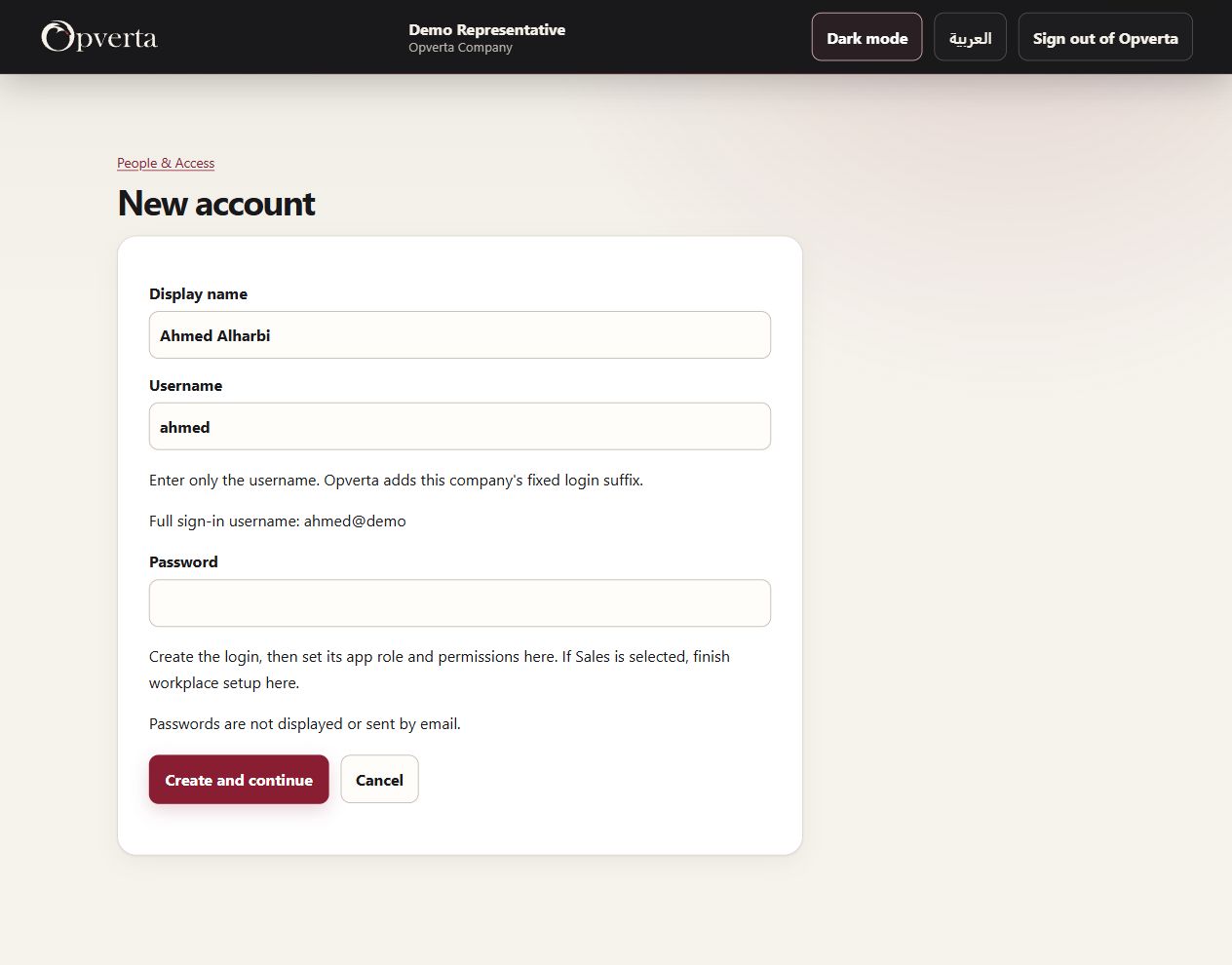
Give each person a clear account.
Create the login first, then authorize the work it can open.
- Simple account detailsEnter a name and company-qualified username.
- An account is not automatic accessChoose app access and finish the required setup separately.
02 / A closer look at the work
Set the role. Refine the actions.
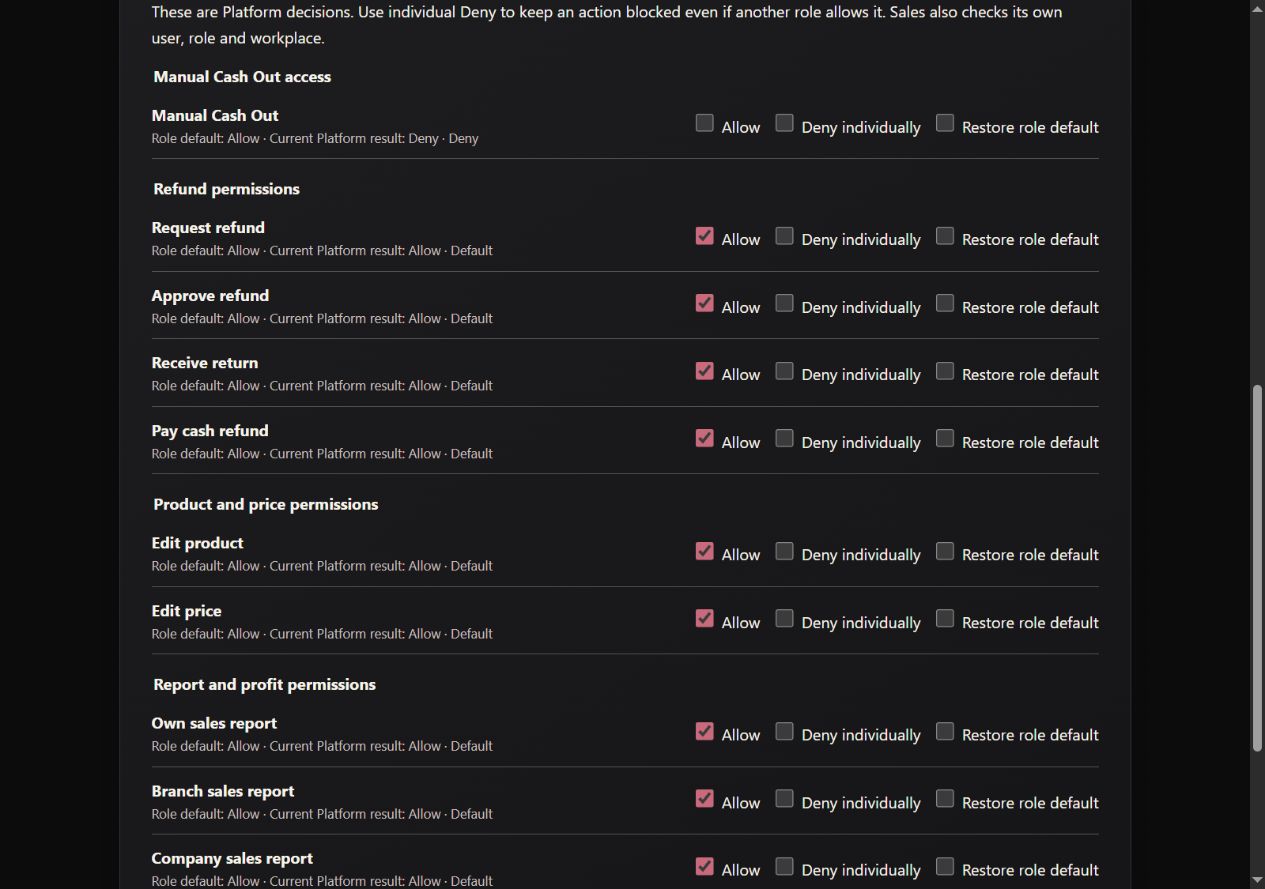
Use governed roles, then refine supported Sales permissions.
- Role defaults with visible controlsAllow, deny or restore the role default for supported actions.
- Sensitive actions stay distinctKeep selling, refunds, Cash, prices and reports separate.
03 / A closer look at the work
Connect access to the workplace.
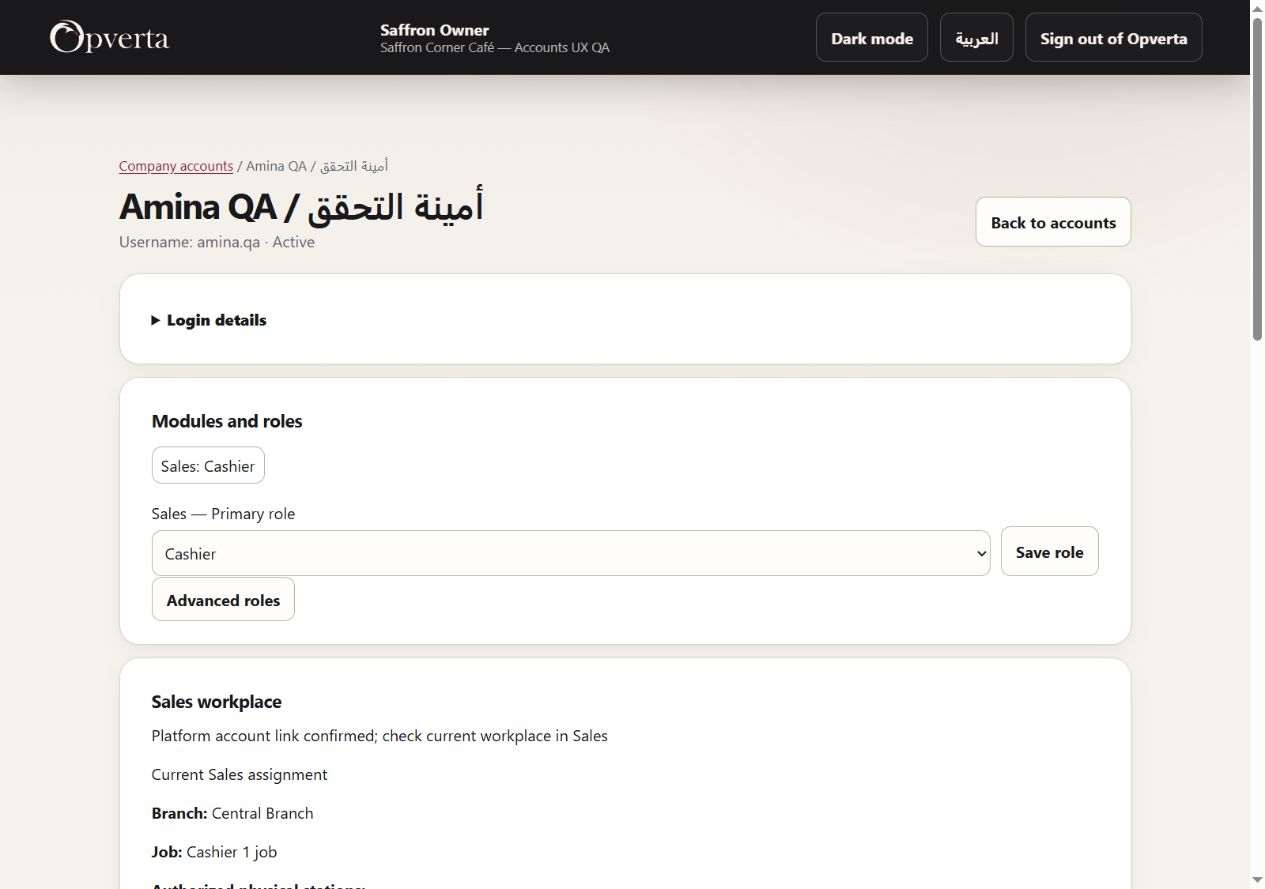
Keep the person’s role and current Sales workplace in context.
- A current branch and jobRead the linked branch, job and current access setup.
- Authorized stations onlyAssign supported stations within existing workplace rules.
GOOD TO KNOW
The included company access foundation. Creating a login does not itself grant module access.
THE ORIGINAL GUIDE
Opverta Platform
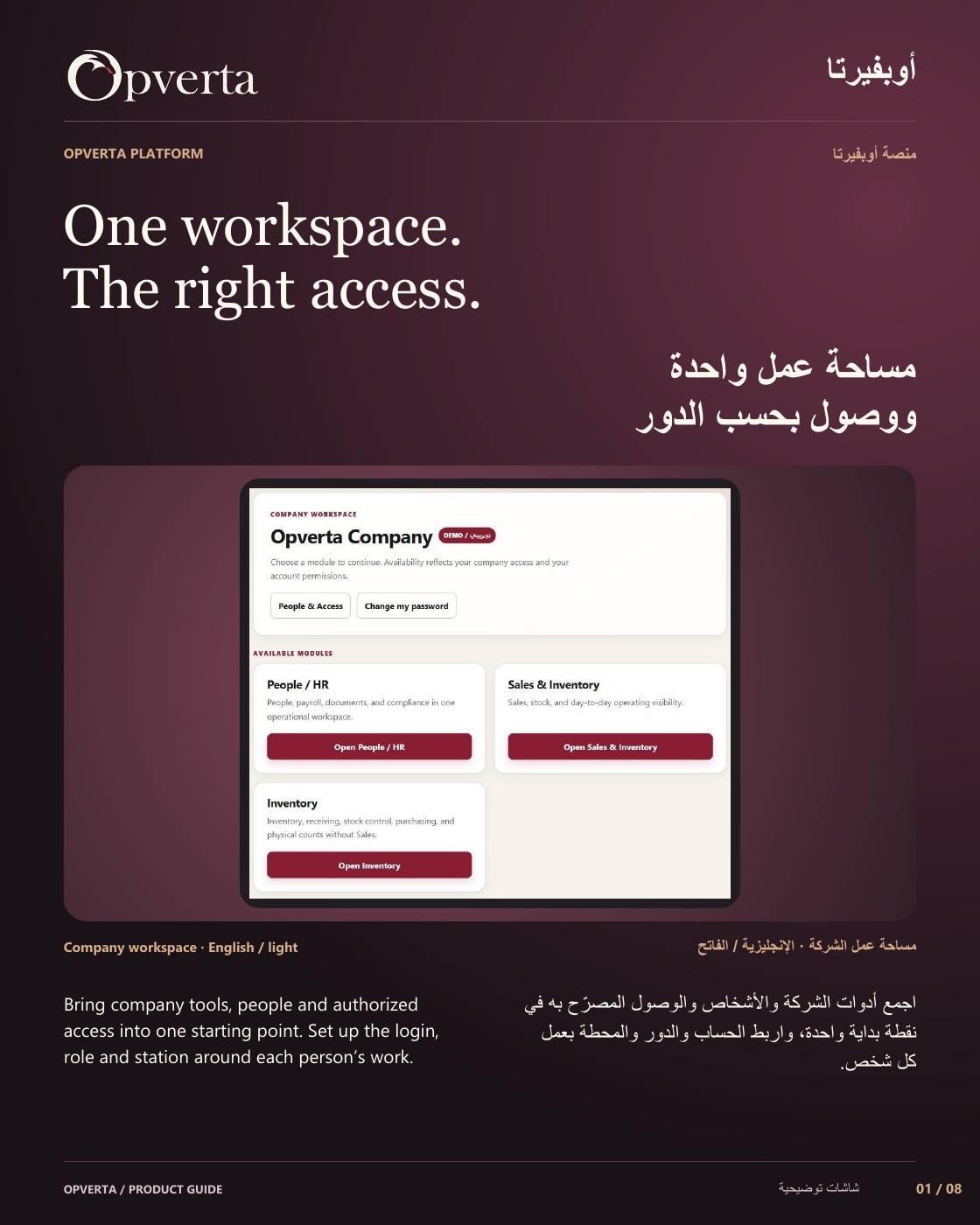
See the full bilingual guide, page by page, or keep the original PDF.
CONTINUE EXPLORING
ProductsContinue exploring